
Appearance
Subject Colours
Each subject is assigned a distinct colour when it is added. The colour is used to identify the subject's blocks on the timetable grid.
Changing a colour
Click the colour circle to the left of the subject name in the sidebar. A colour picker popover appears.
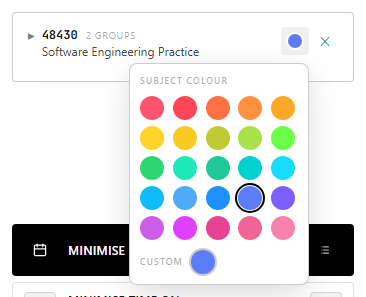
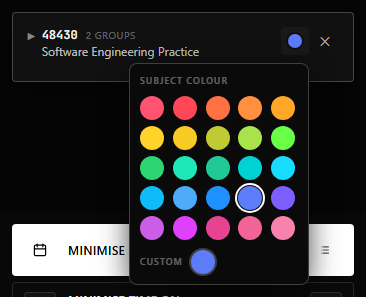
Choose from the 25 preset palette swatches or use the Custom input at the bottom to enter any colour using the system colour picker.
The timetable grid updates immediately when a colour is changed.
Automatic colour assignment
When you add a subject, Unitabler assigns the next unused palette colour. If all palette colours are already in use, a colour is generated based on the subject code to ensure it is visually distinct from the others already shown.